Meet Clawd
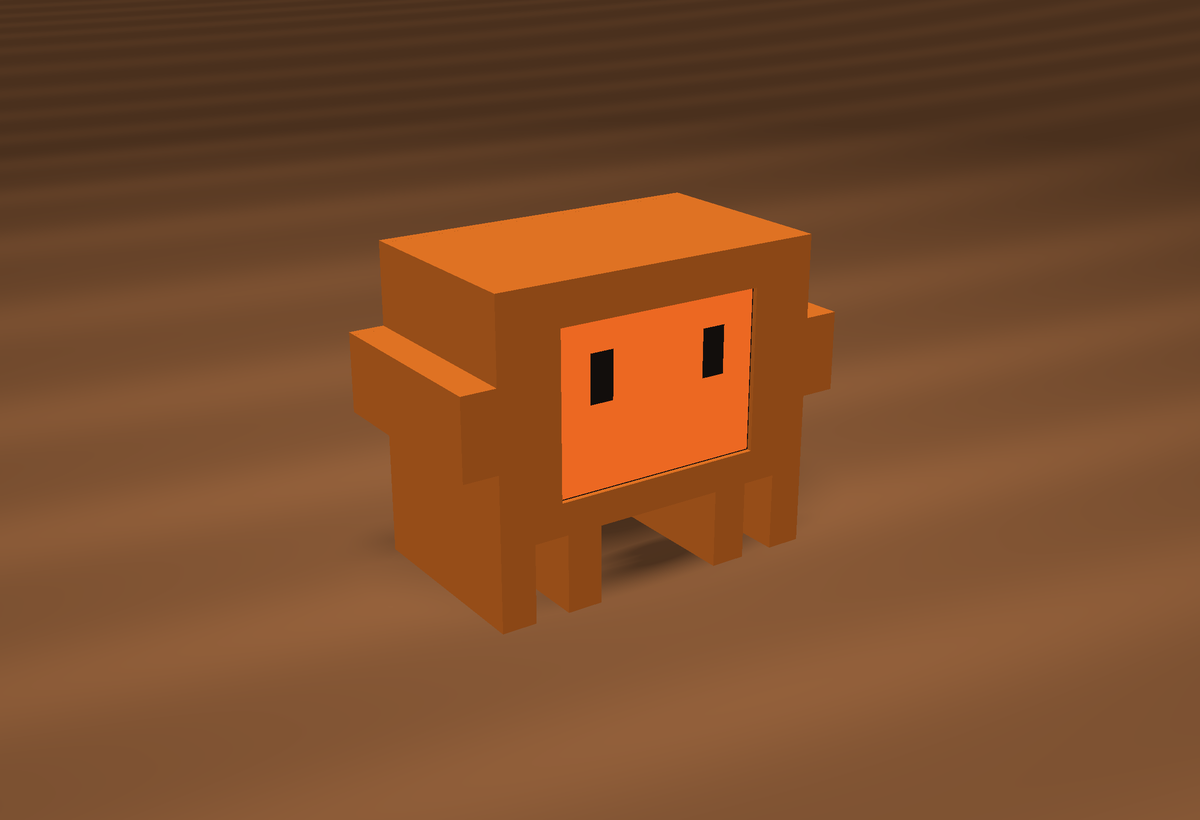
Clawd keeps you company while you code. It blinks and glances around, chirps when you pet it, and tells you when Claude Code needs you.
Plug it into any USB-C power and it wakes up. No buttons, no app.
Touch
- TapPet Clawd. It squishes its eyes and chirps.
- SwipeLeft or right to change view.
- HoldJump straight to the Claude status view.
- Tap alertDismiss "Claude needs you".
Status light
The dot in the top-right corner of the screen shows what Claude Code is doing.
Views
Phone controller
Open http://clawd.local on a phone or computer on the same Wi-Fi.
- Switch eyes, or open the Claude Code terminal on Clawd's screen
- Draw on the screen with your finger
- Change the background colour and animation speed
- Turn the display or sound on and off
Claude Code & opencode
Clawd's status light and alerts come from a small helper on your computer, sent over the USB cable or Wi-Fi. Nothing runs in the background. Install the helpers with one line in Terminal (Mac or Linux):
curl -fsSL https://raw.githubusercontent.com/cliddy1005/clawd-helpers/main/install.sh | sh
For opencode only, end the line with sh -s -- --opencode. Then restart Claude Code or opencode. Code and full steps: github.com/cliddy1005/clawd-helpers. USB and Wi-Fi details are in the build guide under "Connect Clawd to your computer".
- Red alert when Claude asks permission or waits for your reply
- Green and a chime when it finishes
- Works the same with opencode
Addresses
- clawd.local
- Controller, on your home Wi-Fi
- 192.168.4.1
- Controller, on Clawd's own Wi-Fi
- …/setup
- Join or change your home Wi-Fi
Clawd's own Wi-Fi: Clawd, password clawd1234. It uses this when it can't find your home Wi-Fi.
Looking after Clawd
- The back is held on by magnets. Pull gently from an arm to open it.
- Volume: turn the small blue knob on the speaker inside the back.
- Keep it out of hot cars and direct sun. The plastic softens at about 55 °C.
- Keep bank cards away from the back: the magnets are strong.
- Wipe the screen with a dry, soft cloth.